How to Write a Google Business Profile Description That Wins Clicks
Published on
ByGrowth Spark Marketing
Your Google description is a silent salesperson — here's how to make it work.
Key Facts to Know
You get 750 characters, but only the first 250 show before the cut-off. Front-load your business type, location, and strongest differentiator — that's what searchers actually read.
What You'll Gain
A well-written description helps you stand out from the 56% of UK small businesses who never optimise their profile, turning more profile views into real calls, visits, and bookings.
Watch Out For This
Keyword stuffing your description is flagged by Google as an active suspension risk. Write for real people first — one natural phrase used once is all you need.
Most UK small businesses claim their Google listing and then leave the description blank or generic. That's a missed opportunity every single day. In this guide, I walk you through exactly what to write, what to avoid, and how to structure those 750 characters so the right local customers choose you — not the competitor below you.
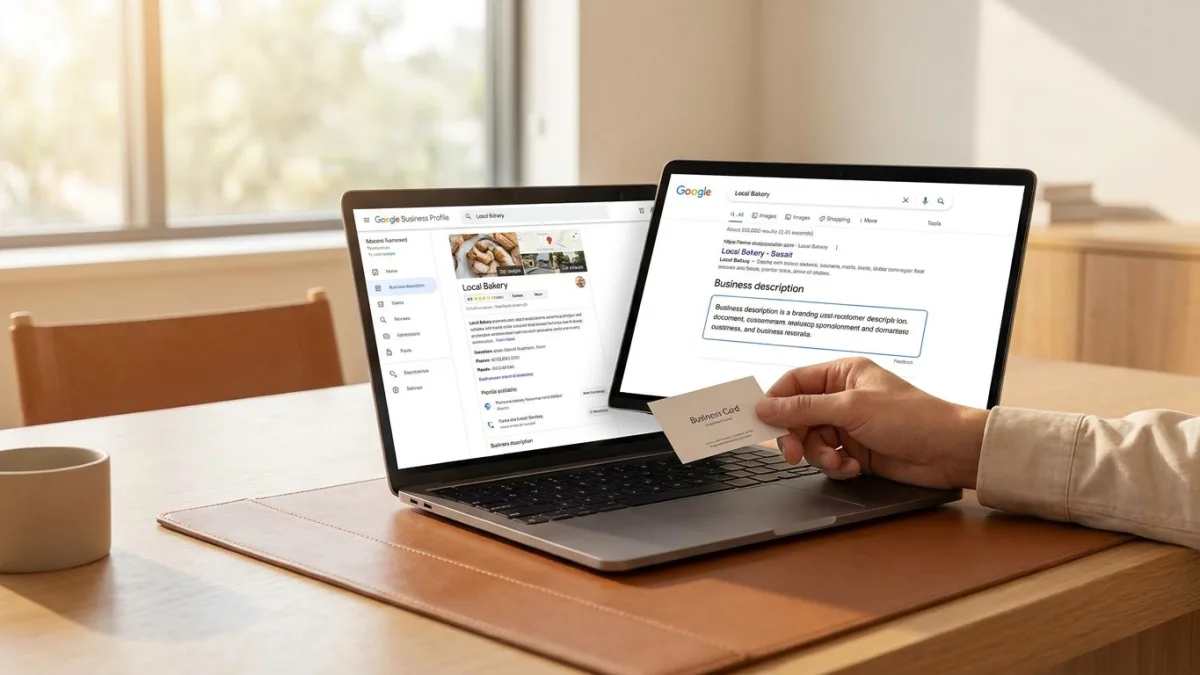
Your Google Business Profile description is one of the first things potential customers read before deciding whether to call you, visit your website, or walk through your door. It sits directly on your listing and tells people, in plain language, who you are, what you offer, and why you’re worth their time.
Get it right, and it works like a quiet salesperson running 24/7. Get it wrong, and you’re invisible.
According to BrightLocal’s Local Search Ranking Factors research, Google Business Profile signals account for 32% of local pack ranking weightthe single largest factor category. Your description is part of that profile, and every field you complete works in your favour.
The good news? Writing a description that genuinely wins clicks isn’t complicated. It just requires knowing what Google allows, what customers actually want to read, and how to combine both into something that feels natural and compelling.
What Your Google Business Profile Description Actually Does
According to RankMyLocal’s UK Local SEO Statistics for 2026, 1 in 3 UK mobile searches are now location-related, and 76% of people who search for something nearby on a smartphone visit a related business within 24 hours.
That means your profile, including your description, is often the deciding factor between a customer choosing you or a competitor.
32/100
Local Pack Ranking Weight
Top Signal
#1 FactorSingle largest category
Local Pack Ranking Weight: 32/100 - Top Signal
Despite this, the same research found that 56% of UK small businesses have never optimised their Google Business Profile beyond the initial claim. A well-written description is one of the fastest ways to stand out from that majority.
Understanding the Rules Before You Write a Single Word
The Character Limit You Can’t Ignore
Google gives you 750 characters for your Business Profile description. That sounds like plenty, but only the first 250 characters or so appear before the “More” link cuts the text off in search results.
Key insight: Write your most important information in the first 250 characters. Everything after that is supporting detail.
Keyword Stuffing = Suspension Risk
Repeating keywords multiple times flags your profile to Google.
Whitespark 2026 lists GBP keyword stuffing as an active suspension risk factor.
danger: Keyword Stuffing = Suspension Risk - Repeating keywords multiple times flags your profile to Google.
This means your opening lines carry the most weight. Don’t waste them on your business name (it’s already displayed) or your founding year. Lead with what you do and who you do it for.
Display links of any typeno URLs, no social handles, nothing
Focus on special promotions, prices, or sales offerssave those for Google Posts
Display low-quality, irrelevant, or distracting contentincluding misspellings, gimmicky characters, or gibberish
Mislead usersno inaccurate or false information about your services
Include offensive or inappropriate content
Keyword-stuffGoogle actively flags this as a suspension risk
Breaking these rules risks having your description rejected or your profile suspended. Think of the description as editorial content, not an advert. It should inform, not sell aggressively.
💡 Expert tip: If your description is rejected, save promotional messaging for Google Posts instead, that’s the correct place for offers, events, and time-sensitive content.
What You’re Actually Allowed to Say
Within those boundaries, you have real creative freedom:
A clear explanation of your products or services
Your service area or location context
What makes your business different from competitors
The types of customers you help
Your values, approach, or philosophy
Genuine credentials and accreditations
How to Structure Your Description for Maximum Impact
Lead With Your Core Offer
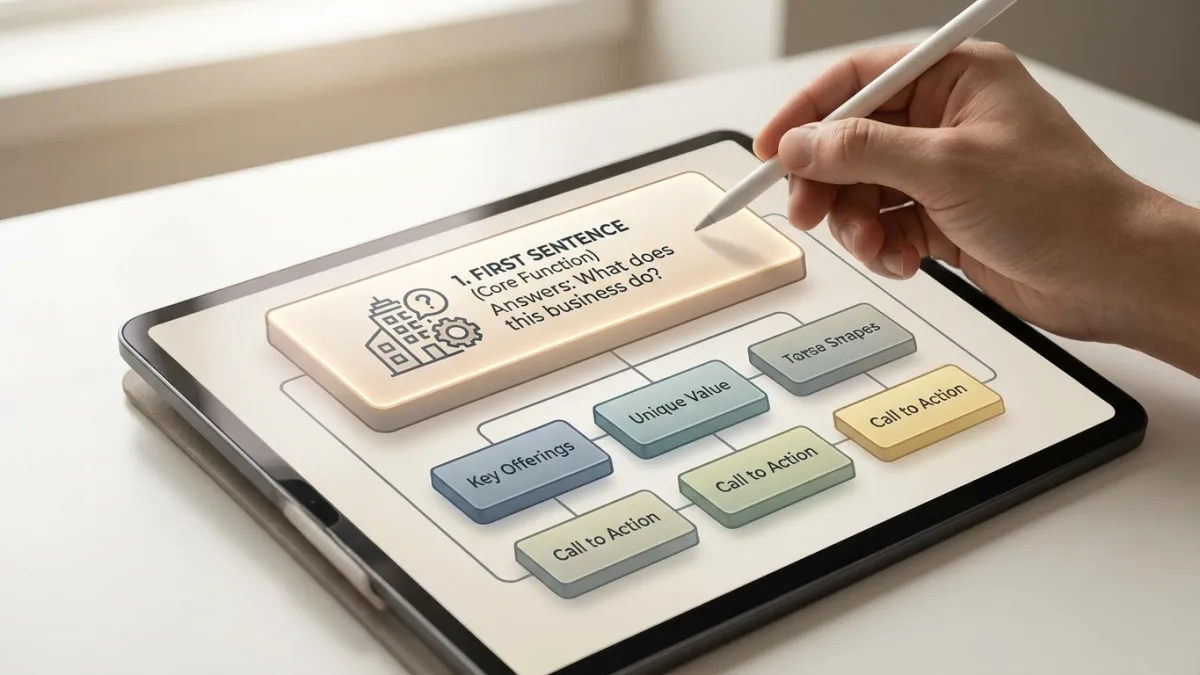
The very first sentence should answer the question: “What does this business do?”
Avoid fluffy openers like “Welcome to our family-run business where we pride ourselves…”
How to Structure Your Description for Maximum Impact.
Instead, try something direct:
“We’re a Nottingham-based plumbing and heating company specialising in boiler installations, repairs, and emergency callouts across the East Midlands.”
That single sentence tells a reader exactly what you do, where you are, and who you serve, in under 20 words.
Add Your Differentiator in the Middle
Once you’ve established the basics, use the next 100 to 150 characters to explain why someone should choose you over the business listed below you.
Matching tone to business type builds instant trust with the right audience.
Use the Words Your Customers Actually Search
Think about how your customers describe your service when they’re looking for it. They might search for “emergency plumber near me” rather than “residential plumbing solutions.” They might look for “kids’ haircuts” rather than “junior styling services.”
This isn’t about keyword stuffing, it’s about speaking the same language as the people you want to attract. Weave these natural phrases into your description organically.
Common Mistakes That Kill Your Description’s Performance
Mistake 1: Wasting the Opening on Your Business Name
Your business name is already prominently displayed on your profile. Starting your description with it wastes precious character space and buries your actual offer.
❌ “Smith & Sons Plumbing Ltd has been serving the local community since 1998…”
Do vs Don't
❌ Common Mistakes
Open with your business name
List every service you offer
Copy your About page
Never update your description
Recommended
VS
✅ Best Practices
Lead with your core offer
Focus on your best service
Write for undecided searchers
Review every 3 to 6 months
Recommended
Do vs Don't: ❌ Common Mistakes VS ✅ Best Practices
✅ “Local plumbing and heating engineers covering all of Greater Manchester, available for emergencies 7 days a week.”
Mistake 2: Listing Every Service You Offer
Trying to cram every service into 750 characters creates a cluttered, hard-to-read description. It also dilutes your message.
Instead, focus on your core offer or your most profitable service. If you’re a multi-service business, highlight what you’re best known for, or what you most want to attract.
Mistake 3: Copying Your Website’s About Page
Your website’s About page is written for people who’ve already found you and want to know more. Your Google description is written for people who haven’t decided yet.
They need different things. The description should be punchy, customer-focused, and action-oriented, not a company history essay.
Mistake 4: Ignoring Updates and Changes
Your business evolves. New services, new locations, new certifications, these all deserve a description refresh. A description that still mentions a service you no longer offer, or fails to mention an award you’ve recently won, is working against you.
Set a reminder to review your description every three to six months.
Mistake 5: Keyword Stuffing
⚠️ Warning: Repeating your target keyword multiple times in 750 characters is a red flag for Google and reads terribly to real humans. Write for people first.
“Plumber in Leeds, Leeds plumber, emergency plumber Leeds, boiler repair Leeds” is not a description, it’s a spam list. According to Whitespark’s 2026 Local Search Ranking Factors report, keyword stuffing the GBP description is listed as an active suspension risk factor. Google recognises this pattern and it can harm your listing’s performance.
A Step-by-Step Framework for Writing Your Description
Follow these five steps to build a description that’s clear, compliant, and compelling:
Write your core offer sentenceWhat do you do, where, and for whom? Keep it to one or two sentences.
Add your strongest differentiatorWhat makes you the right choice? Be specific. Accreditations, specialisms, and genuine USPs work best.
Include a natural keyword phraseThink about how your customers search for you. Use that language once, naturally.
End with a soft call to actionGuide the reader toward their next step without using a URL or phone number.
Count your charactersPaste your draft into a character counter. Aim for 500 to 700 characters to use the space well without padding.
Here’s a real-world example for a local beauty salon in Birmingham:
Description Writing Framework
1
Core Offer
State what you do, where, and for whom
2
Differentiator
Add one specific USP or accreditation
3
Natural Keyword
Use your customer's search language once
4
CTA & Check
Add a soft nudge, then count characters
Process in 4 steps
“Award-winning beauty salon in Harborne, Birmingham, specialising in lash extensions, brows, and luxury facials. Our fully trained and insured therapists create a calm, welcoming space for every client, whether it’s your first visit or you’re a regular. Trusted by hundreds of local women for over a decade. Walk-ins welcome or book your appointment online.”
That’s clear, warm, specific, and compliant, and it speaks directly to the ideal customer.
💡 Expert tip: Read your draft out loud before publishing. If it sounds robotic or like a brochure from 2003, rewrite it. Ask a trusted customer or colleague to read it and tell you what they understood about your business in 30 seconds. If they can answer “what do you do, who for, and why choose you”you’ve nailed it.
How to Edit, Publish, and Monitor Your Description
Where to Find and Edit Your Description
To update your Google Business Profile description:
Sign in to your Google account
Search for your business name on Google
Click “Edit Profile” on your listing panel
Next to “Description,” click Edit
Write or paste your updated text and click Save
Changes typically appear within about 10 minutes, though in some cases it can take up to 30 days for Google to process the update fully.
How to Edit, Publish, and Monitor Your Description.
Testing Different Versions
If you’re unsure which description performs better, try one version for four to six weeks, then switch to an alternative. Monitor your Google Business Profile Performance tab to see if:
Profile views increase or decrease
Website clicks change
Direction requests or calls shift
This isn’t a perfect A/B test, but it gives you a real-world signal about what resonates.
Getting a Second Opinion
Before publishing, read your description out loud. If it sounds robotic, stilted, or like a brochure from 2003, rewrite it. Ask a trusted customer or colleague to read it and tell you what they understood about your business in 30 seconds.
If they can answer “what do you do, who for, and why choose you”you’ve nailed it.
At Growth Spark Marketing, we work with UK small businesses on exactly this kind of local visibility work, helping independent traders and service providers get found by the right people, without the complexity or cost of a big agency.
Not directly, but it still matters. According to Whitespark’s 2026 Local Search Ranking Factors report, the description field itself is not among the top individual ranking signals for the local pack. That said, a complete profile correlates with better visibility overall, and keywords in your description help readers confirm you offer exactly what they searched for. Focus ranking effort on your primary category, services, and reviews, then use the description to convert the visitors you already attract.
Google’s official guidelines ban three main things from your description. According to Google’s Business Profile Help Centre, your description must not:
Include links of any type (URLs, social handles, etc.)
Focus on special promotions, prices, or sales offers
Display low-quality, irrelevant, or gimmicky content (e.g. keyword stuffing, misspellings)
Breaking these rules can get your description rejected or your profile suspended, so save promotional messaging for Google Posts instead.
Your description has a hard cap of 750 characters, spaces, punctuation, and line breaks all count. In practice, that’s roughly four to six focused sentences. The critical catch: Google typically displays only the first 250 characters before truncating with a “Read more” link, though the exact cut-off can vary slightly depending on line breaks and rendering. That opening window is what a searcher reads before deciding to expand your profile, so front-load your business type, location, and key differentiator right at the start.
The description is a static branding element, update it only when your business meaningfully changes. Unlike Google Posts (which benefit from regular publishing), the description is best revised after a rebrand, a major service shift, or a change in your target area. Avoid tweaking it constantly; if you need to make several profile changes at once, space them out over days or weeks to avoid triggering a re-verification or a temporary drop in visibility.
Yes, but treat it as a first draft, not a finished product. Google’s “Suggest description” button can generate a starting point, but the output often lacks the specificity that wins clicks. Always edit the AI suggestion to lead with your business category and city, include your highest-value services, and add at least one verifiable differentiator (a credential, a founding year, a specialty). Then double-check it stays under 750 characters with no links or promotional pricing before saving.
To provide the best experiences, we use technologies like cookies to store and/or access device information. Consenting to these technologies will allow us to process data such as browsing behavior or unique IDs on this site. Not consenting or withdrawing consent, may adversely affect certain features and functions.
Functional
Always active
The technical storage or access is strictly necessary for the legitimate purpose of enabling the use of a specific service explicitly requested by the subscriber or user, or for the sole purpose of carrying out the transmission of a communication over an electronic communications network.
Preferences
The technical storage or access is necessary for the legitimate purpose of storing preferences that are not requested by the subscriber or user.
Statistics
The technical storage or access that is used exclusively for statistical purposes.The technical storage or access that is used exclusively for anonymous statistical purposes. Without a subpoena, voluntary compliance on the part of your Internet Service Provider, or additional records from a third party, information stored or retrieved for this purpose alone cannot usually be used to identify you.
Marketing
The technical storage or access is required to create user profiles to send advertising, or to track the user on a website or across several websites for similar marketing purposes.